How to Get Clients for Web Design: The Full Playbook

- The fastest way to get web design clients is to stop pitching ideas and start pitching proof — find local businesses with no website or a broken one, build them a working preview site first, then send it as your opening message. This converts far better than generic outreach because the business sees the result before they say yes.
Why Most Client-Finding Advice Doesn't Work
Most advice you'll find on getting web design clients is generic to the point of uselessness. "Post consistently on social media." "Network more." "Ask for referrals." None of it is wrong, exactly — it's just not targeted, and targeting is the whole game.
Here's the problem. When you post on Instagram hoping a business owner scrolls past and thinks "I need a website," you're fishing with no bait in a lake you didn't stock. You have no idea if anyone watching actually needs what you sell right now. Compare that to walking up to a bakery with an outdated Facebook-only presence and showing them, on your phone, what their actual business could look like online. One is hope. The other is a sale in progress.
The businesses that convert fastest share one trait: an obvious, visible gap. No website at all. A site that hasn't been touched since 2016. A Google Business listing with 340 reviews and a "website" link that goes to a dead domain. These businesses aren't hypothetical prospects you have to convince of a need — they already have the need, they just haven't fixed it yet. Finding them systematically, instead of hoping they find you, is the difference between a full pipeline and a stalled one.
Step 1: Define Your Niche and Ideal Client
Pick one industry to start, not five. Restaurants, hair salons, tradespeople (electricians, plumbers, roofers), photographers, and small law or architecture firms are the classic entry points because they're numerous, local, and visibly underserved online. A generalist pitch — "I build websites for any business" — reads as inexperienced. A specific one — "I build websites for independent electricians who are losing jobs to competitors who show up first on Google" — reads as an expert who gets it.
Niching also changes your pricing conversation. A one-page site for a food truck and a five-page site with booking integration for a dental practice are different products at different price points — usually somewhere between $300 for a fast one-pager and $2,500+ for a small multi-page build with a booking flow, copywriting, and photography. Decide which tier you're playing in before you start prospecting, because it changes who you approach and what you show them.
| Niche | Typical need | Realistic starting price |
|---|---|---|
| Restaurants/cafes | Menu, hours, location, online ordering link | $300–$800 |
| Salons/barbers | Booking link, gallery, Instagram feed embed | $300–$700 |
| Tradespeople (plumbers, electricians) | Services list, service area, contact form, reviews | $400–$1,200 |
| Photographers | Portfolio gallery, contact/booking form | $400–$1,000 |
| Architects/small firms | Case studies, project gallery, credibility signals | $800–$2,500+ |
Step 2: Find Businesses Without a Website (Or With a Bad One)
The single best lead source is a business that visibly needs a website right now — no persuasion required, just a solution. This is the tactic almost every "how to get clients" article skips, and it's the reason cold pitches to businesses that already have a decent site fall flat: you're asking them to replace something that isn't obviously broken.
Manual research checklist
Google Maps is your first stop. Search "[industry] near [city]" and click through listings — any business with no website link, or a link that 404s, goes on your list. Yelp works the same way; filter by category and check the "Business Website" field. Instagram is another goldmine: search local hashtags like #chicagobarbershop or #austinelectrician and look for accounts with no link in bio, or a Linktree standing in for a real site. Facebook Business pages are often the last surviving web presence for older local businesses — if that's all they have, they're a lead.
Build a simple spreadsheet: business name, phone, category, current web status (none / outdated / Instagram-only), and a notes column. Aim for 30–50 leads before you start outreach — you'll need volume, which the honest numbers section below explains.
Using automation tools to speed up prospecting
Manual research works but doesn't scale — checking 50 Google Maps listings by hand eats an afternoon. Tools built specifically for this exist now; LumaSite scans local business listings and flags which ones have no website or a stale one, then generates a working preview site for that business automatically, so you skip straight from "found a lead" to "have a demo ready to send." If you're doing this at any real volume — more than a handful of leads a week — automating the discovery step is worth it just to get your prospecting time back.
Step 3: Build a Sales Asset Before You Pitch
A live preview beats a pitch every time, because you're no longer asking someone to imagine a result — you're showing them one. Cold-pitching "I could build you a website" puts the entire burden of imagination on a busy business owner who has never thought about site architecture and doesn't want to start now. Sending "I built this for you, take a look" removes that burden entirely. They either like it or they don't — but they're reacting to something real, not evaluating an abstract offer.
This doesn't mean building a full custom site speculatively; that's too much unpaid work for too many leads. It means a fast, rough one-page demo: business name, a hero image, hours, location, contact info, maybe pulled reviews. Fifteen to thirty minutes of work with a template, or instant if you're using a generation tool — LumaSite's whole workflow is built around producing that instant preview link the moment it flags a lead, so the demo exists before you've even drafted the outreach message. Either way, the asset is the pitch. The email is just the delivery mechanism.
One thing we've noticed doing this ourselves: prospects respond to a preview link 3–4x more often than to a text-only pitch describing the same offer. The link does the convincing; your message just needs to get it opened.
Step 4: Outreach Channels That Actually Convert
The channel matters less than what you lead with — and what works across every channel is leading with the preview, not the pitch.
Cold email template
Keep it under 80 words and put the link in the first two sentences.
> >
In-person/walk-in pitch
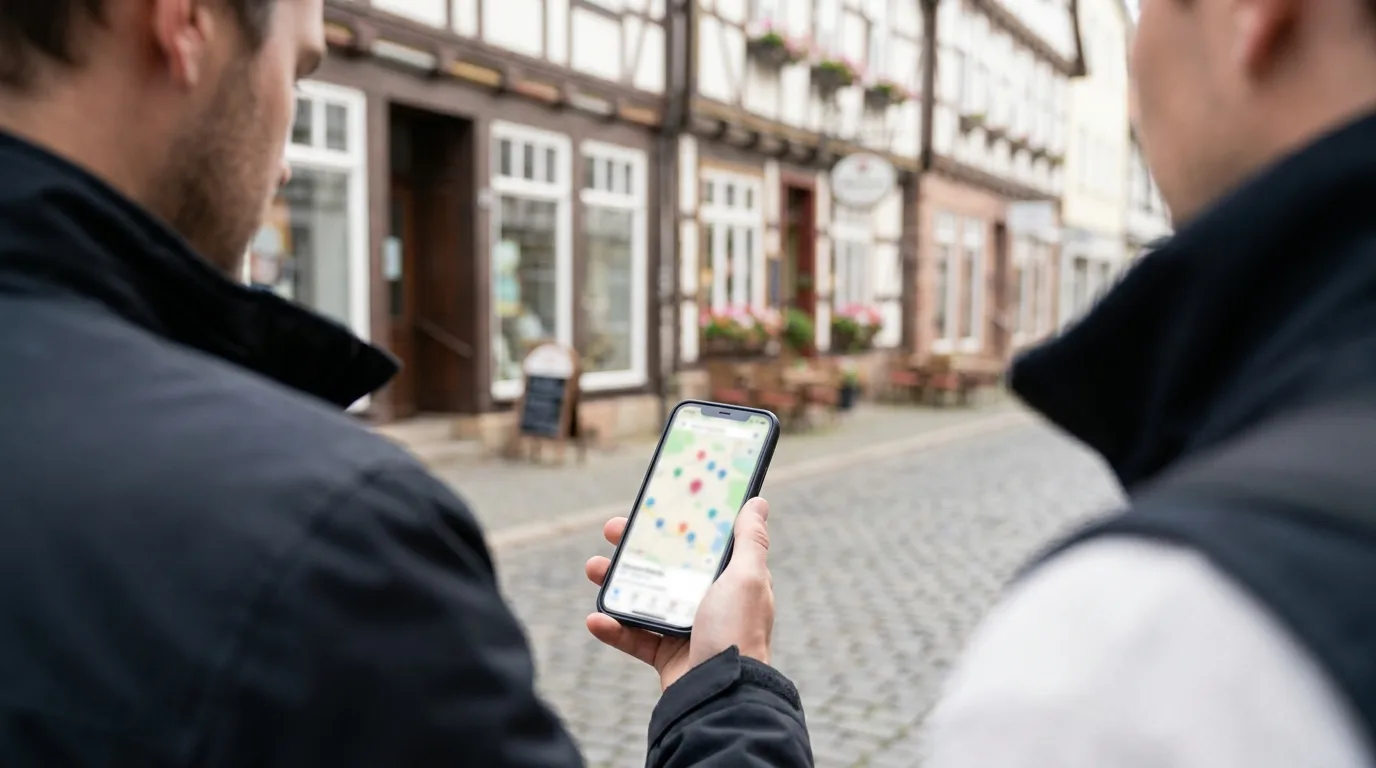
Walking in works especially well for restaurants, salons, and retail where the owner is often on-site. Pull up the preview on your phone, introduce yourself in one sentence, and say: "I made this for you — got 60 seconds?" Owners respond to people who did the work before asking for anything. This is slower than email per-lead but often converts faster per-conversation, since there's no inbox to get lost in.
Social media DM approach
DM works best on Instagram and Facebook, where local businesses are more likely to be active than checking email. Same rule applies: lead with the link, keep it to 2–3 sentences, and don't pitch a call first — pitch the preview first, offer the call second. On LinkedIn, LinkedIn Sales Navigator filters (industry, company size, location) help you find small-business decision-makers directly rather than guessing from a company page.
| Channel | Best for | Typical response time |
|---|---|---|
| Cold email | Volume outreach, tradespeople, professional services | 2–5 days |
| Walk-in / in-person | Restaurants, salons, retail | Same day |
| Instagram/Facebook DM | Younger-run local businesses, photographers | 1–3 days |
| B2B, professional services, consultants | 3–7 days |
Step 5: Referrals, Networking, and Marketplaces
Referrals close faster than cold outreach because trust is already borrowed from someone the prospect knows. After your first 2–3 paying clients, ask directly: "Do you know another business owner who could use something like this?" A simple referral program — 10% of the project fee or a free feature (like an extra contact form or gallery page) for a successful introduction — gives people a concrete reason to bring it up.
Local business groups and chambers of commerce are underrated. Many chambers hold monthly mixers specifically for small business owners, and showing up with 5 business cards and 0 expectations of instant clients (relationship first, pitch later) tends to outperform showing up with a sales pitch on day one.
Upwork and Fiverr are worth mentioning honestly: they work, but they're crowded and race-to-the-bottom on price for generic "I build websites" listings. They're better suited to niche-specific gigs ("I build Shopify stores for skincare brands") where you're not competing against 200 identical listings. If you go this route, a tight portfolio and 3–5 specific case studies matter more than a broad service list — clients scanning Upwork are pattern-matching for proof, fast.
Legal and Compliance Basics for Cold Outreach
Cold outreach is legal in most places, but only within specific rules — ignoring them risks fines and, more practically, getting your email domain blacklisted. In the US, the CAN-SPAM Act requires a working unsubscribe mechanism, accurate sender information, and no misleading subject lines — it does not require opt-in before the first email, which is why cold B2B email is broadly legal there. In the EU, GDPR is stricter: B2B cold email is generally treated as permissible under a "legitimate interest" basis, but it's a gray area that most lawyers advise treating cautiously and documenting carefully. Several countries layer on their own rules — Germany's §7 UWG goes further than most of the EU: it generally requires prior consent for unsolicited commercial email regardless of whether the recipient is a business or a consumer, treating violations as unfair competition. The main exception is for existing customers under §7(3), not general B2B prospecting, so cold-emailing German businesses without established consent carries meaningfully higher legal risk than in most other EU markets.
Practical rules that keep you safe almost everywhere: only email businesses (not personal addresses), reference something specific and true about their business (not a mail-merge blast), include your real name and a way to opt out, and never buy scraped email lists — sending outreach to hand-researched leads based on a public business listing is a different legal category than blasting a purchased list of 50,000 addresses. If you're outreach-heavy in the EU, it's worth 20 minutes reading your country's implementation of the ePrivacy Directive before you send your first batch.
Honest Expectations: Timelines, Rejection Rates, and What Actually Works
Expect roughly a 5–15% reply rate on well-targeted cold email with a preview link attached, and maybe 1–3% without one. That means sending 50–100 targeted pitches to land your first 3–5 real conversations, and converting perhaps 1 in 3 of those conversations into a paying client. Most freelancers who commit to this consistently land their first paying client within 2–4 weeks — not their first day, and not their first ten pitches.
Rejection is the default outcome, not the exception. A business owner not responding usually means they're busy, not that your pitch was bad — resist the urge to over-analyze a single quiet inbox. Deals fall through most often for three reasons: price sticker shock (fix this by quoting a range up front, not after they're invested), the owner isn't actually the decision-maker (common with franchises and multi-location businesses), or momentum dies because you took too long to follow up after the first positive reply. A single follow-up email 4–5 days after initial interest recovers a meaningful share of "gone quiet" leads — don't skip it.
What doesn't work: mass-blasting identical pitches to hundreds of unresearched leads, posting on social media and waiting passively, or pitching a full custom redesign to a business that's never had a website and doesn't understand what they're being sold. What does work: fewer, better-targeted pitches with a real preview attached, sent consistently — 10–15 a week, every week, for at least a month before judging the approach. For the full mechanics of turning a preview into a signed contract, our step-by-step guide to selling websites to local businesses covers pricing conversations and closing in more depth than fits here.
FAQ
How do web designers find clients?
Most web designers rely on a mix of referrals, social media presence, cold outreach, and marketplaces like Upwork or Fiverr. The highest-converting method, though, is proactively finding businesses that have no website or an outdated one and reaching out with a working preview site already built — it skips the persuasion step entirely.
Is web design still worth it in 2026?
Yes — millions of local businesses worldwide still operate with no website, an Instagram-only presence, or a site last updated years ago. Demand is shifting away from expensive custom builds and toward fast, affordable one-page websites that get a business online credibly within days, which actually makes it easier for freelancers to close deals quickly.
How do I get clients as a web developer?
The core tactics match web design — referrals, niche targeting, cold outreach — but developers should lean harder on technical credibility: a public GitHub, live project links, and dev-specific marketplaces or job boards. Clients hiring developers are often evaluating technical trust signals, not just visual portfolio pieces.
What are the 7 C's of web design?
The 7 C's are Context, Content, Community, Customization, Communication, Connection, and Commerce — a framework for what makes a website actually work for a business. Knowing these matters for client-finding too: a demo site that nails Content and Communication (clear info, easy contact) is what gets an outdated-site business to say yes.
How do I find web design clients on Instagram or LinkedIn?
On Instagram, search local hashtags and location tags, then DM businesses with no link in bio or an outdated Linktree standing in for a real site. On LinkedIn, LinkedIn Sales Navigator lets you filter by industry, company size, and location to find small-business owners directly instead of guessing from a company page.
How can I get international web design clients?
Marketplaces like Upwork and Fiverr are the most practical path to international clients since they handle payment and dispute resolution across borders. Be upfront about time zone overlap for calls, use async tools (Loom videos, shared docs) to reduce live-meeting friction, and price in the client's currency where possible to avoid confusion at invoicing time.
For more on finding and closing local business clients, browse the rest of our guides on the LumaSite blog.
Keep reading

Selling Websites to Local Businesses: The Honest Starter Guide (Side Hustle Friendly)
How to Find Businesses Without a Website: 5 Ways to Your First Web Clients

Average Cost of Website Design for Small Business (2026)

How Can I Make a Website for My Small Business?
One honest guide per week
Free, straight to your inbox — finding clients, selling websites, starting clean. No spam, one click stops them anytime.
✓ Check your inbox — click the confirmation link and you’re in.